| AI Agents 작성 웹어플 n8n / dify 의 설정을 위한 사전 작업 |
1. Google Cloud Console
https://console.cloud.google.com/
구글 계정으로 로그인
2. Select a project
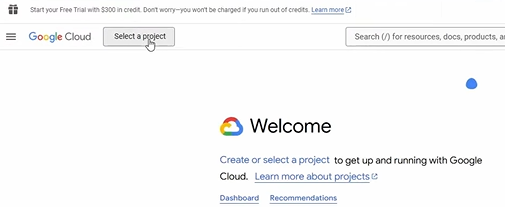
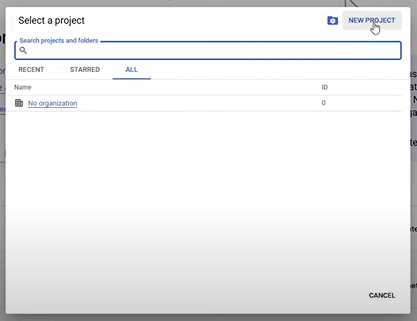
3. NEW PROJECT
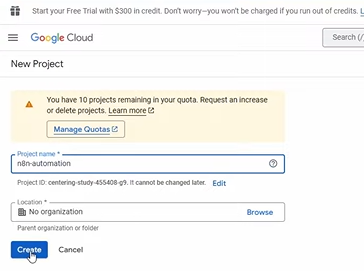
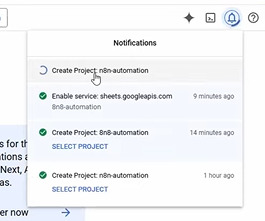
4. Project name 을 입력 후 Create
 |
 |
5. APIs & Services -> OAuth connect screen
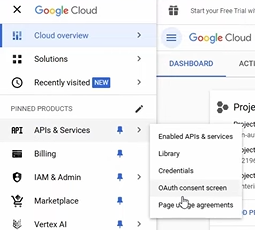
6. OAuth Overview -> Get started

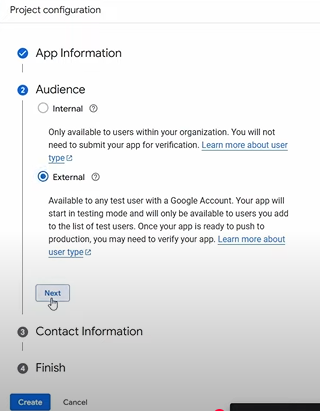
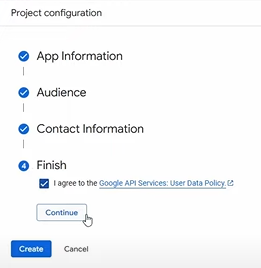
7. Project configuration
 |
 |
 |
 |
8. Clients -> Create client
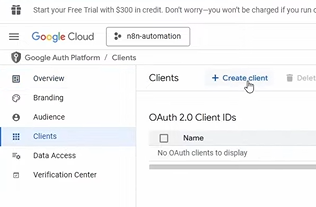
9. Application type = Web application,
Name = 유저지정,
Authorized redirect URIs=연결하고자하는 웹어플의 지정 URL

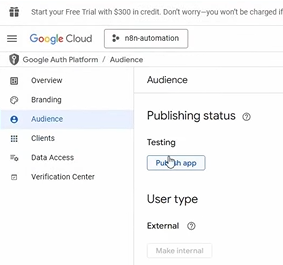
10. Audience -> Publish app
11. Clients -> Name Click

12. Client ID / Client secret

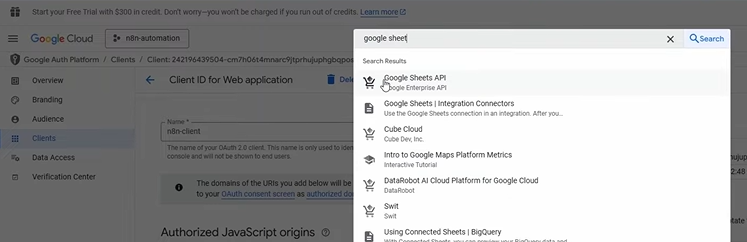
13. Search "Google Drvie", "Google Sheets API" ※ Sheet는 Drive내에 존재하기 때문에 Drive도 같이 Enable이 필요
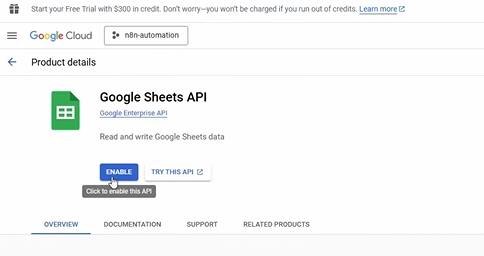
14. ENABLE (Drive도 같이)
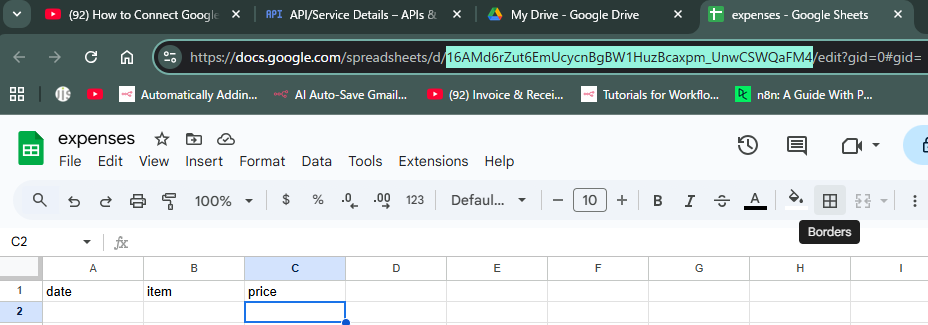
15. 스프레드 시트의 아이디 취득
'data science > AI Agents' 카테고리의 다른 글
| Coordinate(Orchestrate) Agents - agno (0) | 2025.10.12 |
|---|---|
| Multi-Agents : 채용 에이전트 (0) | 2025.10.12 |
| memory - mem0 ("mem-zero") (0) | 2025.10.11 |
| RAG (Retrieval-Augmented Generation) 시스템구축 (0) | 2025.10.11 |
| AI Agents Stack (0) | 2025.08.17 |